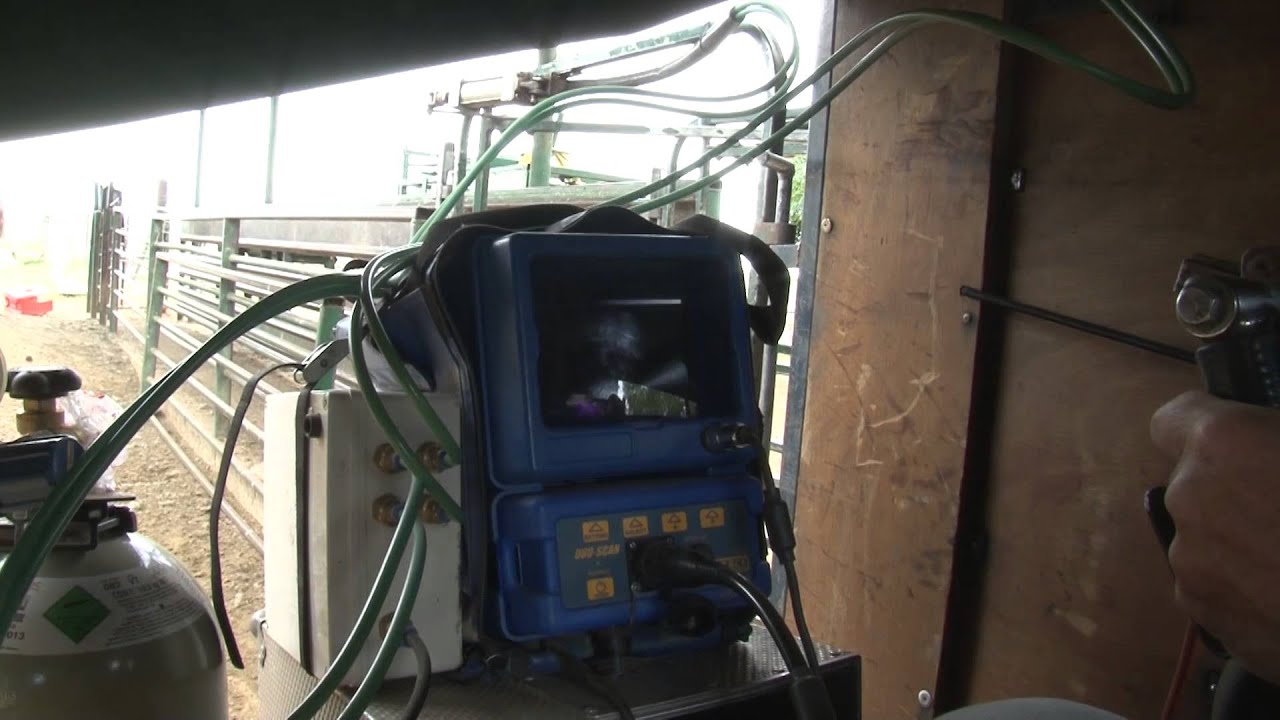
OVI-SCAN 6
$$
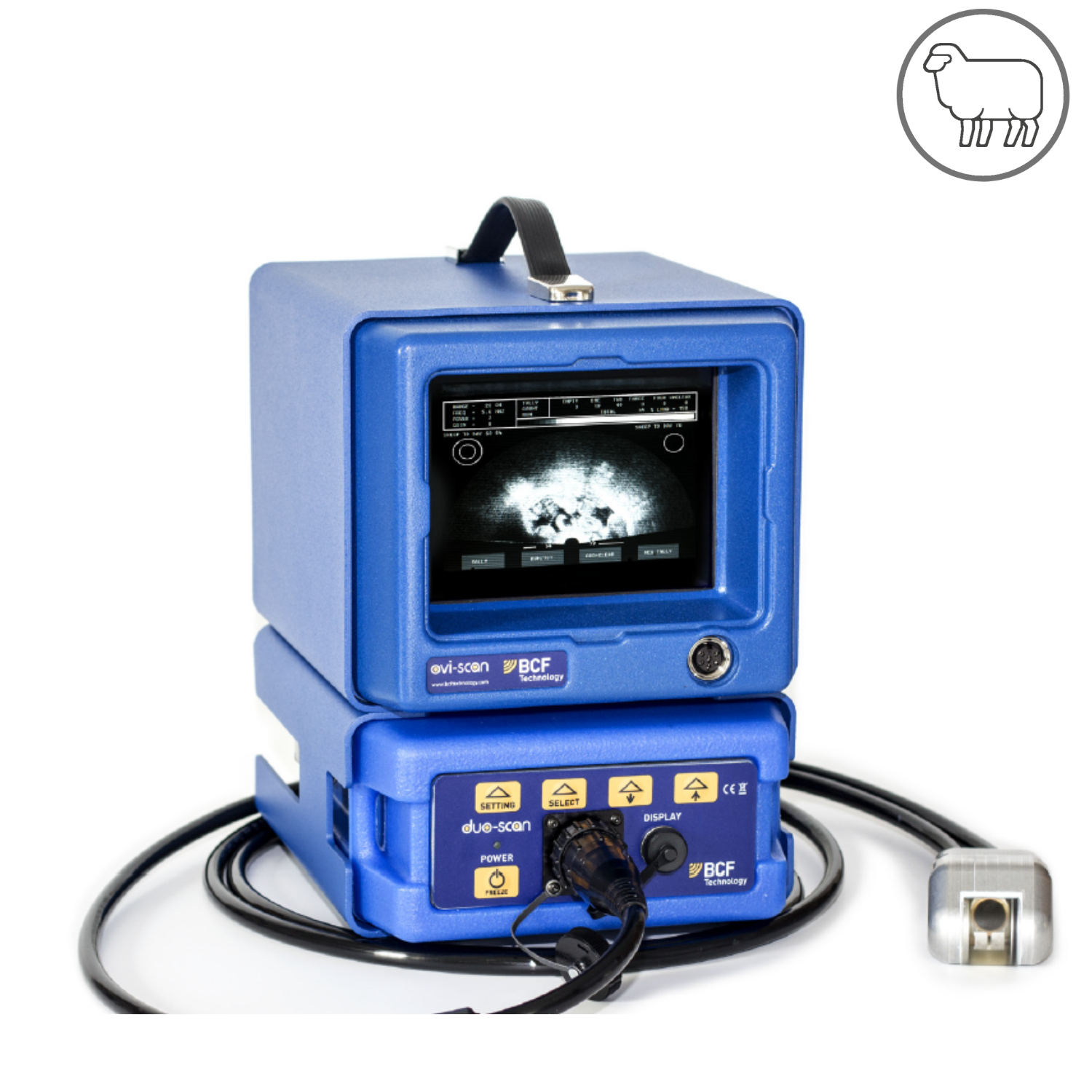
The Ovi-scan is designed for large flock pregnancy scanning. It is durable, reliable and performs under harsh working conditions.
The unique 170 degree twin crystal probe delivers a wide field of view ensuring that the area of interest can be scanned from just a single contact point.
The daylight readable LCD Display offers a clear, bright image with multiple frequency settings allowing visibility up to 32 cm.

The probe has a unique gel feed system which allows gel to exude from the probe head thereby doing away with manual gel application on each animal.
Probe Type
- Twin Crystal TT probe
- 3.5-5 MHz with a maximum scanning depth of 32 cm
- Size: 28 x 21 x 24 (cm); Weight: 5 kg
The scan module (Duo-Scan) is removable and can convert to a backpack-mounted scanner.*
*Requires additional accessories.
- 12 V DC input; 18 W power consumption
Powered by a 12-volt battery, Ovi-Scan 6 is perfect for on-farm scanning.
If powered from a mains supply, please follow the manufacturer's safety principles.
- 170° Twin Crystal TT probe (3.5-5 MHz)
Scanning depth - max. 32 cm.
Frequencies - 2.5 / 3.5 / 5.0 / 7.5 MHz.
- Gel Feed System
Coupling gel exudes from the probe head, which reduces scanning time - scan 300-500 sheep/hour (singleton and twin pregnancy checks).
- 16.5 cm LCD screen
- OLED BUG Goggles, Easi-Scan Remote Display
Harness the power of technology and improve flock management with the Ovi-Scan 6 all-in-one ultrasound scanner.
- Capture a – 170° angle – wide field of view and shorten your sheep scanning time using the 3.5 Twin Crystal TT probe.
- Identify multiple pregnancies accurately by adjusting the frequency settings to achieve imaging depths up to 32 cm.
- Provide the farmer with precise data with the lamb counting Tally feature.
- Plan ahead for the lambing season; utilise the on-screen fetal ageing rings for quick fetal age determination
Frequently Asked Questions
How do I adjust the Range using the Tally buttons?
Press Tally buttons 1 and 2 simultaneously to increase Range.
Press Tally buttons 3 and 4 simultaneously to decrease Range.
How do I freeze the image on Ovi-Scan 6?
A short press of the Freeze/Power button will freeze the image.
No ultrasound pulses are transmitted when the image is frozen. Press the Freeze/Power button again to return to real-time imaging.